

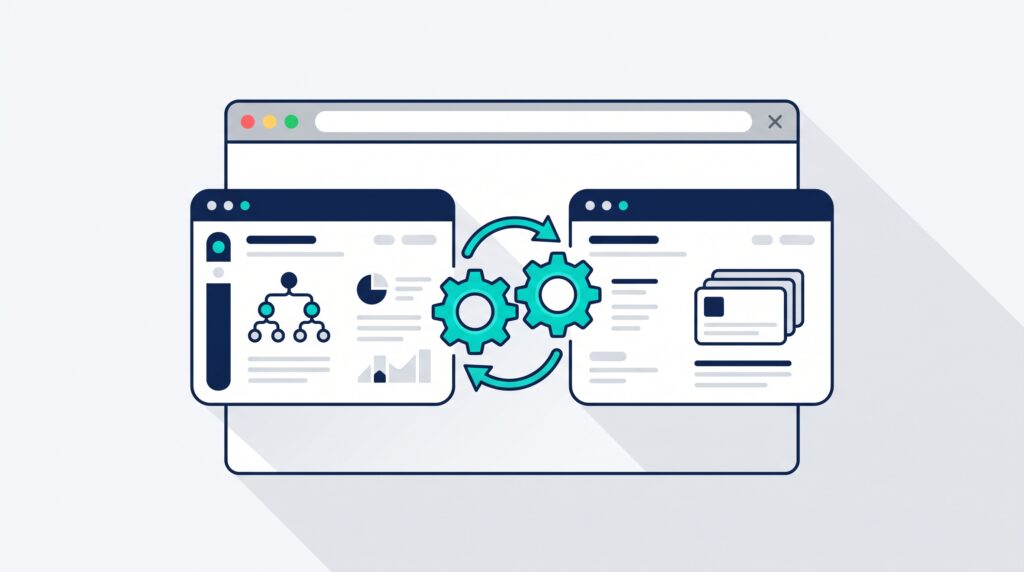
If you are building an MLM website with WordPress, Ultimate Membership Pro and Ultimate Affiliate Pro are the two plugins I build on. This page explains what each one does, why I use both instead of forcing one to do everything, and how to learn the setup before you spend money on it.
What each plugin actually does
Ultimate Membership Pro handles the member. Registration, membership levels, subscriptions, payments, account pages and protected content all live there.
Ultimate Affiliate Pro handles the affiliate relationship. Referral tracking, commissions, affiliate ranks and the multi-level structure all live there.
People often try to pick one. On an MLM site you need both, because those are two different jobs. Keeping them separate is what makes the system possible to troubleshoot later, when a commission goes to the wrong person and you need to know which plugin to open.
That division of labour is the whole design. If you want the configuration detail rather than the decision, how Ultimate Membership Pro and Ultimate Affiliate Pro work together covers the wiring step by step. This page is for working out whether this is the right stack for you in the first place.
Learn the setup before you buy anything
The hard part of this stack is not installing it. It is knowing which of the several hundred settings matter for an MLM site and which ones you can ignore. That is where most builds stall.
So I wrote the setup guides out in full, free to read, no purchase required:
- Ultimate Membership Pro setup guide for levels, registration, payments and protected content.
- Ultimate Affiliate Pro setup guide for ranks, referral links, commissions and payouts.
- How Ultimate Membership Pro and Ultimate Affiliate Pro work together, which is the part almost nobody explains.
Read those three in that order and you will know whether this stack fits your business before you have spent anything on it.
Join MLMPage free
A free MLMPage account gets you the member side of the site: the community, the project showcase where members share what they are building, and the ability to ask questions about your own setup instead of guessing from a tutorial that was written for somebody else’s site.
It costs nothing and it is the right place to start if you are still deciding whether to build this yourself.
Getting the plugins
Both plugins are commercial. When you are ready to build, buy the current official release so you get the latest version, the security fixes and developer support. Old or unofficial copies of membership and affiliate plugins are a bad idea specifically because they sit on top of your payment and commission data.
Get the current Ultimate Membership Pro plugin
This is an affiliate link. MLMPage may earn a commission if you purchase through it, at no additional cost to you.
What MLMPage Pro adds
Owning the plugins is the beginning, not the finish. MLMPage Pro is my complete build material for putting an actual MLM website together with them: the membership structure, the registration flow, access rules, affiliate configuration, MLM settings, ranks, commissions, the testing process, and the specific way I wire the two systems into each other.
The goal is not to document every switch in two large plugins. It is to show you the settings that matter for this type of site, and the order to do them in so that each piece works before the next one depends on it.
Build it on a test site first
This holds whether you follow the free guides or the Pro material. Use a staging site or a local WordPress install and build in this order:
- Membership flow first. Register a test user, take a test payment, confirm access opens and closes correctly.
- Direct affiliate tracking next. Confirm a referral link credits the right affiliate on a real test signup.
- MLM structure last, once the two pieces underneath it are proven.
Do not configure payments, memberships and commissions for the first time on a live business site. Every messy rescue job I get asked about started that way.
Start here
Read the three setup guides, join free and look at how other members have built theirs, then buy the plugins when you know what you are building. If you want the whole configuration mapped out instead of assembled from articles, that is what Pro is for.