
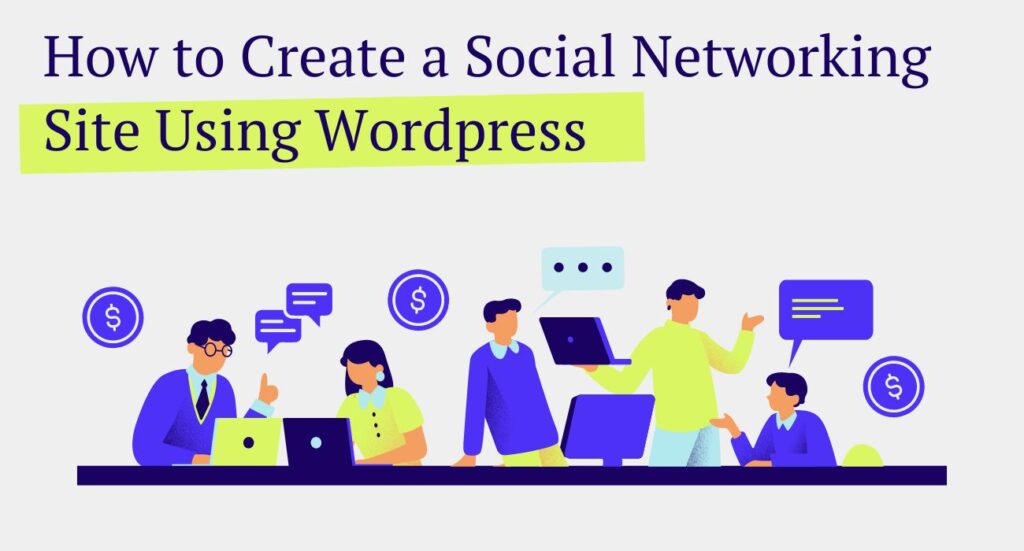
WordPress can do a lot more than publish blog posts. With the right community tools, you can turn a normal WordPress site into a social network where members have profiles, post updates, join groups, message each other and keep coming back.
I originally wrote this guide in 2024 when I was looking at tools like BuddyPress and PeepSo. Since then I have spent a lot more time actually building community features on WordPress, including the community running on MLMPage.
So instead of pretending there is one plugin everybody should install, here is how I would think about building a WordPress social networking site today.
What makes a WordPress site a social network?
A community site needs more than registration and a comment box.
At minimum, I would look for member profiles, an activity feed, groups or topic spaces, notifications, moderation and some way for members to communicate privately.
That lines up with what established WordPress community platforms offer. BuddyPress, for example, is built specifically to add social networking features to WordPress, including profiles, groups and member interaction.
But the exact stack you choose should depend on what you are building. A public niche social network has different needs from a paid membership community, course community or MLM site.
Option 1: Build a general social network with BuddyPress
BuddyPress is still one of the obvious places to start if you want a traditional WordPress social network.
It is free and open source, and you can enable only the components you need. That makes it useful if you want member profiles, groups and activity features without immediately committing to an expensive hosted community platform.
The tradeoff is that you may end up adding themes, extensions, messaging, forums or other plugins to get the exact experience you want.
If your goal is simply to learn how WordPress social networking works, BuddyPress is worth testing.
Option 2: Use a larger community platform
There are also more complete community products built around WordPress, including BuddyBoss, PeepSo and newer community platforms.
These can make sense when you want more of the social experience packaged together instead of assembling several pieces yourself.
The important thing is not choosing the plugin with the longest feature list. Think about what your members will actually use.
An empty directory with fifty features is still an empty community.
Start with the community you are actually trying to build
Before installing anything, decide what people are supposed to do after they register.
Are they coming to discuss a niche? Are you selling memberships? Will there be private groups? Do members need direct messages? Are you building courses around the community? Do you need different access levels?
That decision matters more than the theme.
For a simple niche social network, profiles, a feed, groups and messaging may be enough. For a membership business, you also need subscriptions and access control. For an MLM or network marketing community, I would also think about training, projects, affiliate tools, announcements and how free and paid members interact.
For an MLM community I use a different setup
This is where I do things differently on MLMPage.
I did not want to turn the entire website into a generic social network. MLMPage also has articles, projects, membership levels, plugins and other tools. I wanted the community to be one layer of the site instead of taking over everything.
Our current setup uses Ultimate Membership Pro for registration, memberships and access, Marketur Community for the community feed and groups, and Marketur Chat for member conversations.
That lets the social features work alongside the rest of the WordPress site.
If that is closer to what you are trying to build, I wrote a separate step-by-step guide specifically for it:
How to Create an MLM Community Website With WordPress →
That guide also includes my new video showing the setup and explains how the membership, community and chat pieces fit together.
Do you need a membership plugin too?
Not every social network needs paid memberships.
If everybody gets the same access, your community plugin and normal WordPress user accounts may be enough.
But if you want free and paid tiers, protected groups, premium resources or subscription access, I would separate the jobs. Let the membership system handle who gets access and let the community system handle what members do once they are inside.
That separation has worked much better for the way I build.
Do not ignore mobile
A community can look great on a desktop and be miserable on a phone.
Test the feed, composer, comments, group navigation, profiles, notifications and chat on an actual phone. Pay attention to forms and keyboards too. Community sites have far more logged-in interaction than a normal blog, so little mobile problems become annoying fast.
MLMPage is also set up as a PWA because I want the community to feel closer to an app when members use it from their phones.
Keep the first version small
One mistake I would avoid is launching twenty empty groups.
Start with a handful of topics people have a reason to use. Seed some conversations yourself. Make it obvious where a new member should post first.
The software gives people a place to talk. It does not create the conversation for you.
Think about moderation and privacy before launch
If members can post content, upload media, join groups or message each other, permissions matter.
Decide which areas are public, which require an account and which are private. Make sure those rules are enforced on the server, not just hidden with buttons on the frontend.
You also need reporting and moderation tools once real users arrive. This becomes especially important if you have private or paid groups.
How I would build a WordPress social network today
If I were starting a general niche community, I would first test an established community plugin such as BuddyPress and see whether its model fits what I am trying to create.
If I needed a broader premium community platform, I would compare BuddyBoss, PeepSo and the other current options before committing.
If I were building another MLM, affiliate or network marketing membership community, I would use the layered approach I am using on MLMPage: WordPress as the foundation, a membership plugin for access, a community plugin for the feed and groups, and chat for direct conversations.
The nice part about WordPress is that you are not locked into one answer.
Building an MLM or network marketing community?
This article is intentionally about the broader question of creating a social networking site with WordPress.
If your actual goal is an MLM community, I do not want to repeat the same article twice just to chase another keyword. The MLM guide goes deeper into the exact stack we use, shows the live community and includes the video walkthrough.
Read the complete MLM community website guide →
You can also create a free MLMPage account and use the community yourself. That is a better demo than screenshots because you can see what the member experience actually feels like.